
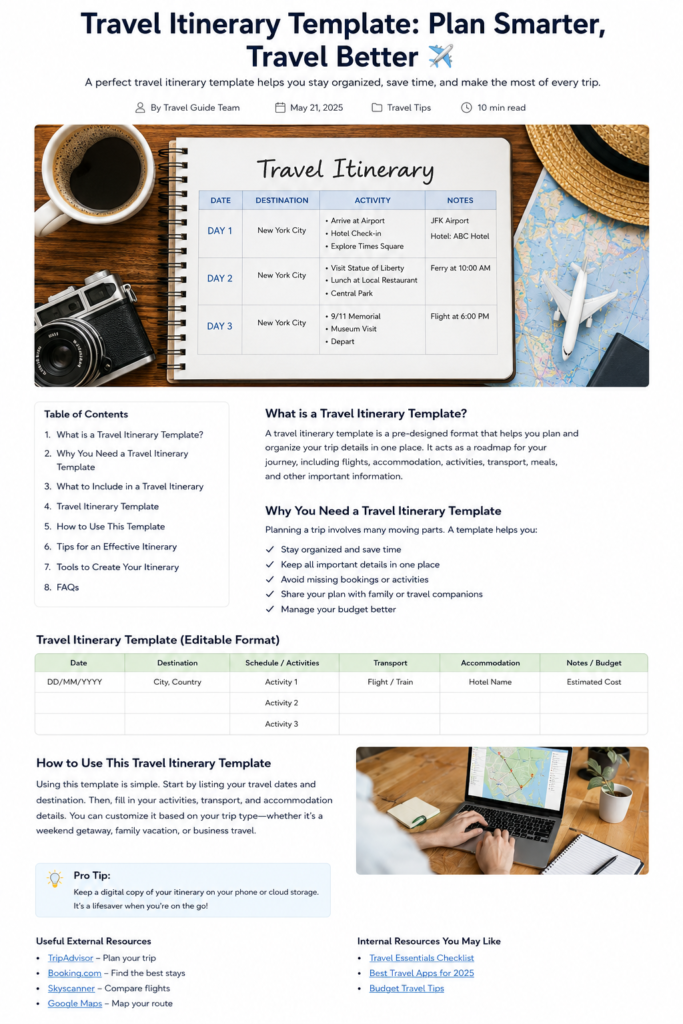

Planning a trip should be exciting, not overwhelming. But when flights, hotels, activities, transportation, reservations, budgets, and important documents are scattered across different apps and messages, things can get confusing quickly.

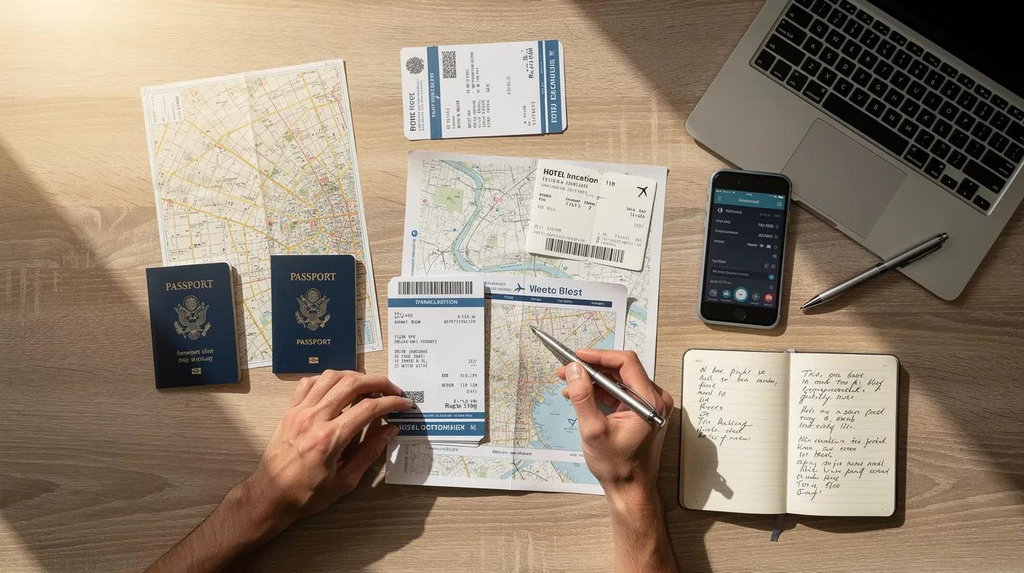
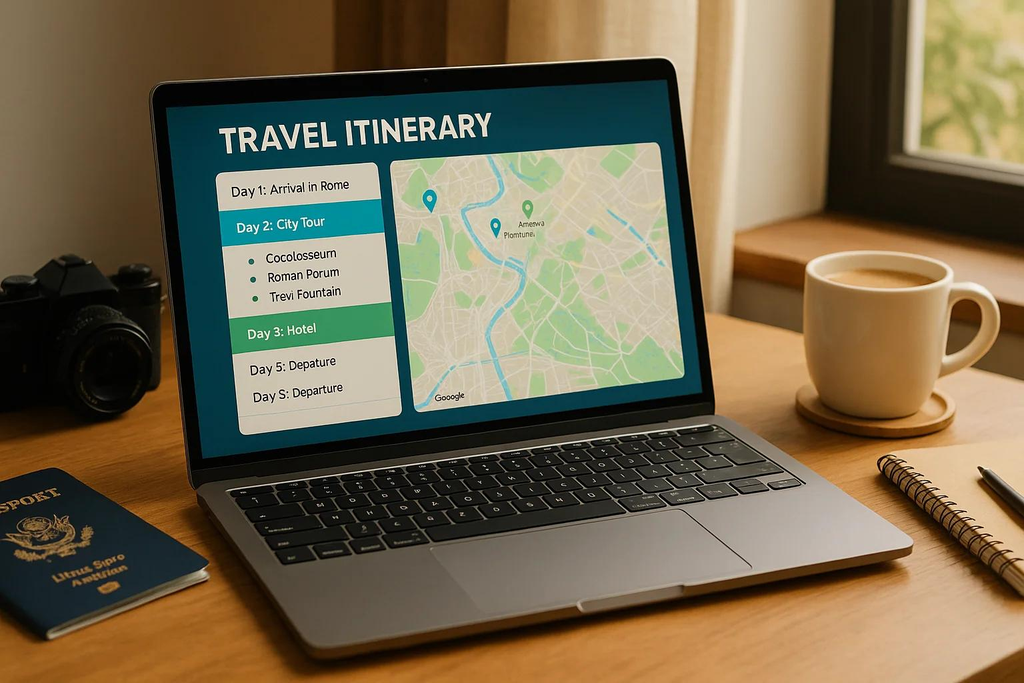
That’s where a travel itinerary template becomes incredibly useful.
Instead of keeping your travel plans in your head or searching through dozens of emails, you can put everything in one organized place. A good itinerary gives you a clear picture of where you need to be, when you need to be there, and what you want to do.
Whether you’re planning a weekend getaway, family vacation, road trip, honeymoon, business trip, or international adventure, an itinerary can make your journey smoother from start to finish.
The best part? You don’t need to be a professional travel planner. With a simple template and a little preparation, you can create a practical plan that works for almost any destination.
Table of Contents
- What Is a Travel Itinerary Template?
- Why You Should Use a Travel Itinerary
- What to Include in Your Itinerary
- Travel Itinerary Template
- How to Create a Travel Itinerary
- Tips for Creating a Better Itinerary
- Travel Itinerary for Different Types of Trips
- Useful Travel Planning Resources
- Final Thoughts
- Frequently Asked Questions
What Is a Travel Itinerary Template?
A travel itinerary template is a ready-made format that helps you organize the important details of your trip.
Instead of starting from a blank page, you have dedicated sections for things such as:
- Travel dates
- Destinations
- Flights
- Hotels
- Transportation
- Activities
- Restaurants
- Reservations
- Estimated costs
- Important contacts
- Notes and reminders
Think of it as a roadmap for your vacation.
It doesn’t mean that every minute of your trip has to be planned. In fact, leaving some free time can make a trip more enjoyable.
The purpose is simply to know the important details before you leave.
Why You Should Use a Travel Itinerary
A well-organized itinerary can save you time and reduce unnecessary stress.
Imagine arriving in a new city after a long flight. Instead of searching through your email for your hotel address, you open your itinerary and immediately find the hotel name, address, check-in time, and reservation number.
That’s the real value of a good travel plan.
1. Keep Everything in One Place
Your flight information, hotel details, activity reservations, and transportation plans can all be stored together.
This is especially helpful when you’re traveling between multiple destinations.
2. Avoid Missing Important Reservations
A simple itinerary can remind you about airport transfers, museum tickets, restaurant reservations, tours, and other time-sensitive activities.
3. Manage Your Travel Budget
Adding estimated costs to your itinerary gives you a clearer idea of how much your trip may cost.
You can include transportation, accommodation, food, activities, shopping, and emergency expenses.
4. Share Your Plans Easily
Traveling with family or friends?
Send everyone the same itinerary so the entire group knows the basic plan.
5. Leave Room for Flexibility
An itinerary isn’t supposed to control your entire vacation.
Use it to organize the important parts while leaving enough space for spontaneous discoveries.
Travel Itinerary Template You Can Copy
Here is a simple format you can customize for almost any trip.
| Date | Destination | Activities | Transportation | Accommodation | Budget/Notes |
|---|---|---|---|---|---|
| Day 1 | City/Country | Arrival + sightseeing | Flight/Train/Car | Hotel name | Estimated cost |
| Day 2 | City/Country | Main attractions | Local transport | Same hotel | Reservations |
| Day 3 | City/Country | Tours + free time | Bus/Taxi/Train | Hotel name | Meal/activity budget |
| Day 4 | City/Country | Shopping + sightseeing | Local transport | Hotel name | Optional activities |
| Day 5 | City/Country | Departure | Flight/Train/Car | — | Check-out time |
You can expand this table for longer vacations or simplify it for a short weekend trip.
What to Include in Your Travel Itinerary
A useful itinerary should contain the information you’ll actually need while traveling.
Travel Dates
Start with your departure date and return date.
If your trip includes multiple destinations, write down the dates you’ll arrive and leave each location.
Flight or Transportation Details
Record:
- Airline or transportation company
- Flight or booking number
- Departure airport
- Arrival airport
- Departure time
- Arrival time
- Terminal information
- Baggage information
For road trips, include driving times, fuel stops, tolls, parking information, and planned overnight stops.
Accommodation Details
For every hotel or accommodation, include:
- Property name
- Address
- Check-in time
- Check-out time
- Reservation number
- Contact information
- Estimated price
Keeping these details together can save you from searching through confirmation emails when you arrive.
Daily Activities
Don’t overload every day.
Choose the main things you genuinely want to experience and organize them according to location and opening times.
For example:
Morning: Visit a major attraction
Afternoon: Lunch + nearby sightseeing
Evening: Dinner + free time
Grouping activities by location can also reduce unnecessary travel across the city.
Restaurant Reservations
If you have restaurants booked in advance, add:
- Restaurant name
- Date
- Time
- Address
- Reservation name
- Confirmation number
For popular restaurants, this can be especially important.
Emergency Information
Keep important contacts somewhere easy to access.
Depending on your destination, this might include your accommodation, travel insurance provider, local emergency services, and your country’s embassy or consulate.
For international travel, the U.S. Department of State recommends checking destination-specific entry requirements, local laws, travel advisories, and required travel documents before departure.
How to Create a Travel Itinerary
Creating your itinerary doesn’t have to take hours.
Follow this simple process.
Step 1: Choose Your Destination
Start with the basics.
Write down where you’re going and how many days you’ll stay.
Step 2: Confirm Your Transportation
Add your flights, trains, rental cars, or other transportation.
Don’t forget the time needed to travel between locations.
Step 3: Book Your Accommodation
Once your accommodation is confirmed, add the details to your itinerary.
Step 4: List Your Must-See Places
Make a list of the attractions and experiences you don’t want to miss.
Then divide them across your available days.
Step 5: Add Reservations
Include restaurants, tours, tickets, transportation, and other bookings.
Step 6: Add Free Time
This step is often forgotten.
Don’t fill every hour.
Leave some time to relax, explore local neighborhoods, enjoy a café, shop, or simply change your plans if something interesting comes up.
Step 7: Add Important Documents
Make a digital copy of important travel information.
For international trips, the U.S. Department of State recommends organizing required travel documents and keeping copies separately from the originals.
7 Tips for Creating a Better Travel Itinerary
1. Don’t Overplan
One of the biggest travel-planning mistakes is trying to see everything.
A realistic itinerary is much better than a packed schedule that leaves you exhausted.
2. Group Nearby Attractions
Look at a map before deciding what to do each day.
Visiting attractions that are close together can save hours of unnecessary transportation.
3. Consider Travel Time
If Google Maps says a journey takes 30 minutes, don’t forget to allow extra time for traffic, finding parking, getting lost, or waiting for transportation.
4. Keep Important Information Easy to Find
Your flight number, hotel address, booking confirmation, and emergency contacts should not be buried under pages of notes.
Put important information near the beginning of your itinerary.
5. Create a Digital Backup
Keep your itinerary on your phone or cloud storage.
It’s also smart to have access to important reservations when you don’t have an internet connection.
6. Share It With Someone You Trust
If you’re traveling alone, consider leaving your basic travel plans and emergency contact information with someone at home.
7. Update It Before Departure
Your plans may change.
Check your flight times, hotel bookings, transportation, and important reservations shortly before you leave.
Travel Itinerary for Different Types of Trips
A good itinerary should match your travel style.
Weekend Trip
Keep it simple.
Focus on arrival, accommodation, two or three major activities, meals, and departure.
Family Vacation
Include extra details such as child-friendly activities, meal times, rest periods, transportation, and emergency contacts.
Road Trip
Add driving distances, estimated travel times, fuel stations, rest stops, accommodation, parking, and alternative routes.
International Trip
Pay extra attention to passports, visas, entry requirements, travel insurance, local laws, currency, transportation, and emergency information.
The official U.S. Department of State checklist recommends researching destination requirements, organizing travel documents, reviewing travel needs, and considering travel insurance before international travel.
Business Trip
Include meeting times, addresses, transportation, hotel details, work-related contacts, and free time between appointments.
Useful Travel Planning Resources
Your itinerary is even more useful when combined with reliable travel-planning resources.
For international travel, check the U.S. Department of State’s International Travel Checklist for destination information, entry requirements, travel documents, and other preparation steps.
You can also use Tripadvisor’s Trips planner to organize saved places and build a trip plan.
Final Thoughts
A good travel itinerary template isn’t about planning every second of your vacation.
It’s about making the important information easy to find when you need it.
Your flights, hotels, activities, transportation, reservations, budget, and emergency information should all have a clear place.
At the same time, don’t forget to leave room for flexibility. Some of the best travel memories happen when you take an unexpected turn, discover a local restaurant, spend an extra hour somewhere beautiful, or simply decide to slow down.
Use your itinerary as a helpful guide—not a strict schedule.
With the right balance between organization and flexibility, you can spend less time worrying about what’s next and more time enjoying where you are.
Frequently Asked Questions
What is the best format for a travel itinerary?
A simple table works well for most travelers. Include the date, destination, activities, transportation, accommodation, and notes or budget.
Should I plan every day of my vacation?
No. Plan important reservations and must-see attractions, but leave some free time for relaxation and unexpected experiences.
Can I make a travel itinerary on my phone?
Absolutely. You can create one in a notes app, spreadsheet, document, or dedicated trip-planning tool. Keeping a digital copy makes it easy to access while traveling.
How far in advance should I make an itinerary?
For simple trips, you can create one a few weeks before departure. For international or multi-city trips, starting several months ahead gives you more time to research transportation, accommodation, entry requirements, and activities.
Should I include my travel budget?
Yes. Adding estimated costs for hotels, transportation, food, activities, and other expenses can help you stay within your budget.
Is a travel itinerary necessary for a vacation?
It’s not mandatory, but it can make your trip much easier to manage. Even a basic one-page itinerary can be helpful when you have multiple bookings or destinations.